
Building a Smarter CRM from Scratch with AI: The Growth Leak Audit Journey
Discover how to design a custom, AI‑ready CRM that qualifies leads intelligently, powers segmentation, and sets you up for automation from day one.
Design Your AI-Ready CRM
Turn raw leads into qualified opportunities with smart structure
Start with Structure: The Growth Leak Audit Folder
When you build a CRM with AI in mind, organisation comes first. Inside your Growth Engine AI sub‑account, create a dedicated folder called“Growth Leak Audit”. This folder becomes the home for every asset related to your qualification process: forms, workflows, Smart Lists, and automations.
By grouping everything under the Growth Leak Audit folder, you give your future self (and your team) a clear, navigable system. It is where you will later plug in AI prompts, scoring logic, and nurturing sequences without hunting through a messy account structure.
Designing the Right Custom Fields from Day One
A powerful CRM is built on thoughtful fields, not just contact details. For the Growth Leak Audit, set up a focused set of custom fields that capture how a prospect actually buys, follows up, and grows. At minimum, create:
Business Type– industry or model (e.g. local service, e‑commerce, SaaS).
Website URL– so Growth Engine AI can review their digital presence later.
Priority Service– what they are most interested in (e.g. lead generation, retention, automation).
Lead Sources– main channels (paid ads, organic search, referrals, social, etc.).
Monthly Lead Volume– ranges like “0–50”, “51–200”, “200+”.
Current Follow-Up Process– manual, partly automated, fully automated, or “no defined process”.
Lead Response Time– typical first-response speed (e.g. “within 15 minutes”, “same day”, “more than 48 hours”).
Automated Follow-Up– yes/no or “basic / advanced / none”.
Inactive Customer Database– whether they have a list of past customers they are not currently contacting.
Biggest Growth Challenge– a short, focused description of their main bottleneck.
Investment Readiness– their willingness and capacity to invest now (e.g. “Exploring”, “Ready this month”, “Budget approved”).
Audit Success Outcome– what a “win” from the Growth Leak Audit would look like for them.
Each field is chosen because it feeds future segmentation, AI analysis, and offer positioning. Growth Engine AI can later use these data points to surface patterns, recommend campaigns, and score leads automatically.
Embedding Fields into Forms, Workflows, Smart Lists, and Automations
Once your custom fields exist, they become the backbone of your CRM. Here is how they show up across the system:
Forms– the Growth Leak Audit questions are presented to prospects, and their answers write directly into the matching custom fields on the contact record.
Workflows– you can branch logic based on values such as Investment Readiness or Lead Response Time, sending “ready to buy” leads into booking sequences and slower leads into nurturing.
Smart Lists– dynamic segments filter contacts by Business Type, Priority Service, or Monthly Lead Volume so you can run highly targeted campaigns.
Contact Records– your sales team sees a clear snapshot of each lead’s situation: how they generate leads, how fast they respond, and what “success” means to them.
Automations– Growth Engine AI can trigger tailored emails, tasks, and follow‑ups whenever key fields change, such as when a contact moves from “Exploring” to “Ready this month”.
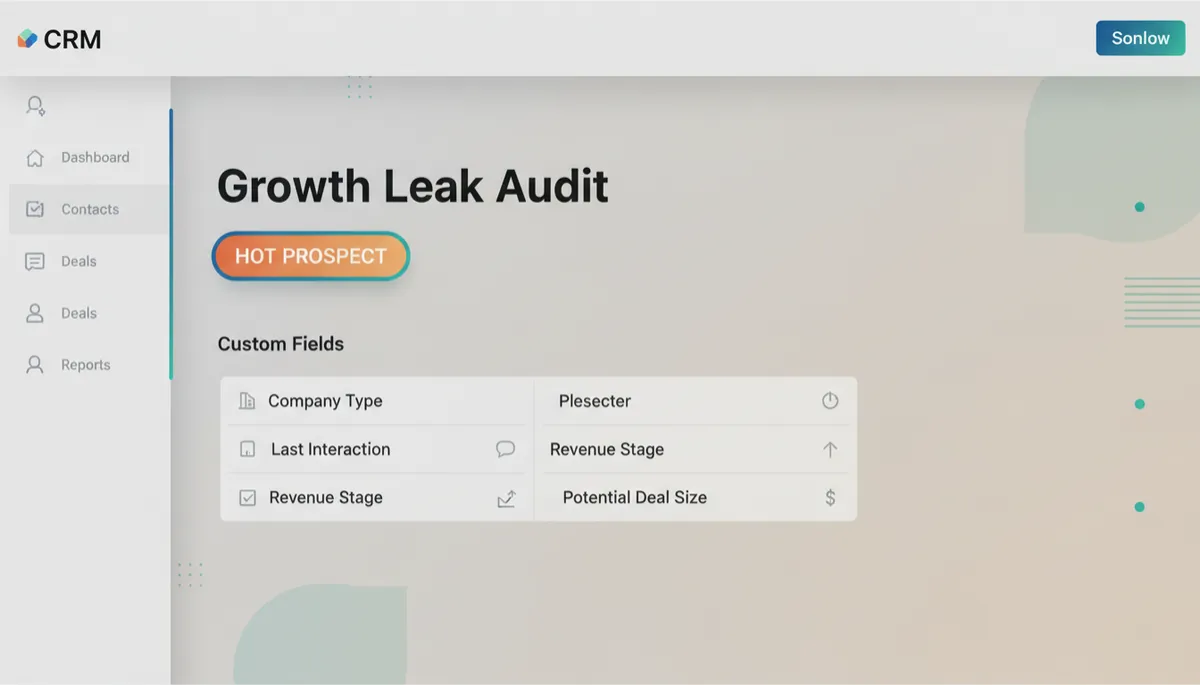
Clear qualification fields turn every contact record into an instant growth snapshot.
Building the “Growth Leak Audit – Pre Qualification” Form
With your folder and fields ready, create a form named“Growth Leak Audit – Pre Qualification”inside the Growth Leak Audit folder. This is the front door to your CRM, where raw leads become qualified opportunities.
Start with thestandard contact fieldsyou need for any meaningful follow‑up: name, email, phone number, and company name. Then add the custom fields you created: Business Type, Website URL, Priority Service, Lead Sources, Monthly Lead Volume, Current Follow-Up Process, Lead Response Time, Automated Follow-Up, Inactive Customer Database, Biggest Growth Challenge, Investment Readiness, and Audit Success Outcome.
The goal is to ask just enough to understand where growth is leaking without overwhelming the prospect. Each question should feel like part of a helpful diagnostic, not an interrogation.
Why Dropdowns Matter for Segmentation and HOT PROSPECTS
To unlock real segmentation power, resist the temptation to use open text boxes for everything. For fields like Business Type, Monthly Lead Volume, Lead Response Time, Automated Follow-Up, Investment Readiness, and even Priority Service, usewell‑designed dropdowns or radio buttons.
Structured options make it easy for Growth Engine AI and your workflows to recognise patterns. For example, you might define aHOT PROSPECTas someone who:
Selects Monthly Lead Volume of “200+”
Chooses Lead Response Time of “more than 24 hours”
Indicates Investment Readiness as “Ready this month” or “Budget approved”
With dropdowns, you can build a workflow that checks these conditions and instantly tags the contact as HOT PROSPECT, alerts your team, and triggers a priority booking sequence. Free‑text answers would make this kind of automation slow, manual, or impossible.
💡 Pro Tip:Design dropdown options around the decisions you want to make later. If a value will never change your follow‑up, it probably does not need its own option.
Designing Today for Tomorrow’s Segmentation and Automation
The real power of this approach is not just capturing data; it is what you can do with it later. By structuring your Growth Leak Audit with clear folders, intentional fields, and smart dropdowns, you make it easy to:
Build Smart Lists for specific campaigns (for example, businesses with inactive customer databases and no automated follow‑up).
Let Growth Engine AI analyse patterns across your pipeline and suggest next‑best actions.
Create layered automations that adapt based on behaviour and readiness, not just basic contact info.
When you design your CRM with segmentation and automation in mind, every new lead strengthens your system. Over time, your Growth Leak Audit evolves from a simple intake form into a strategic engine that prioritises the right prospects, personalises outreach, and gives your team clarity at a glance.
That is the promise of building a CRM from scratch with AI at the centre: a structure that does not just store contacts, but actively drives growth.